

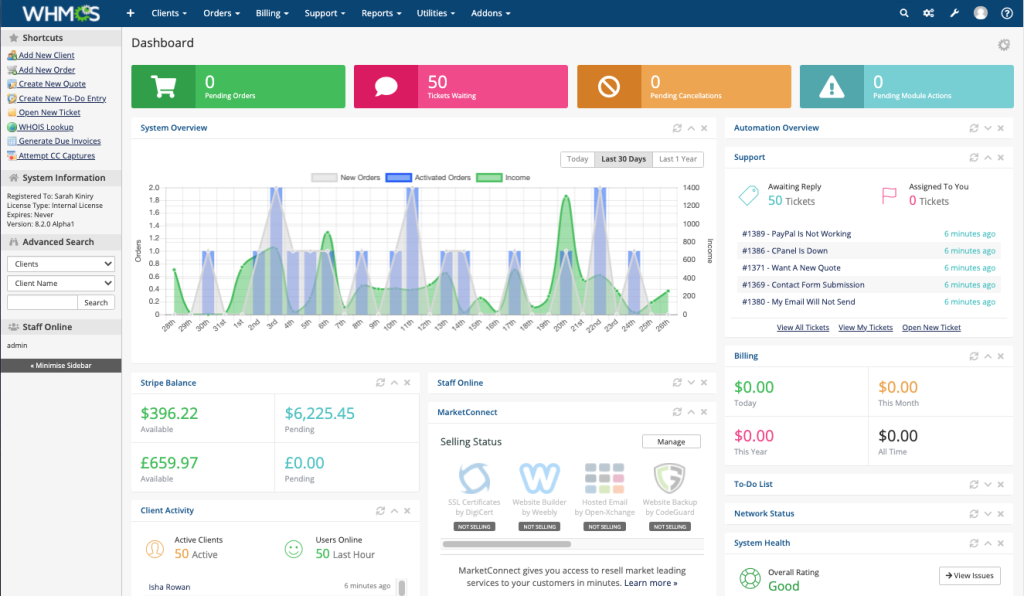
You can install WHMCS using our pre-packaged releases or apply our license to an existing WHMCS installation. Please follow the instructions below depending on your situation.
Option 1 — Install WHMCS From Our Releases #
If you want a fresh WHMCS installation with our licensing system ready, download the latest packages from our portal.
Installation Steps #
- Download the desired WHMCS version
- Upload the ZIP file to your server
- Extract the archive into your web hosting directory
Example directory:
/home/user/public_html/whmcs/- Create a database for WHMCS
- Open your browser and visit
https://yourdomain.com/install
Complete the WHMCS installation process and your system will be ready.
Option 2 — Apply License to Existing WHMCS #
If you already have WHMCS installed, simply replace the license file.
Steps #
- Download the license ZIP file
- Extract the archive
- You will see the following structure
vendor/
└── whmcs/
└── whmcs-foundation/
└── lib/
└── License.php
Upload and extract the files into your WHMCS root directory.
/home/user/public_html/whmcs/
This will replace the original WHMCS license file:
vendor/whmcs/whmcs-foundation/lib/License.php
Important Notes
- Always keep a backup of your WHMCS files before replacing system files.
- The license file may need to be reapplied after WHMCS updates.
- Ensure file permissions remain unchanged after uploading files.
If you experience issues during installation or activation, please contact support for assistance.


